Numbers & strategy
OnlyFans weekly report: a template for better decisions
Separate observations, possible explanations and next tasks. A practical reporting template for active creators and management reviews.
Published Updated
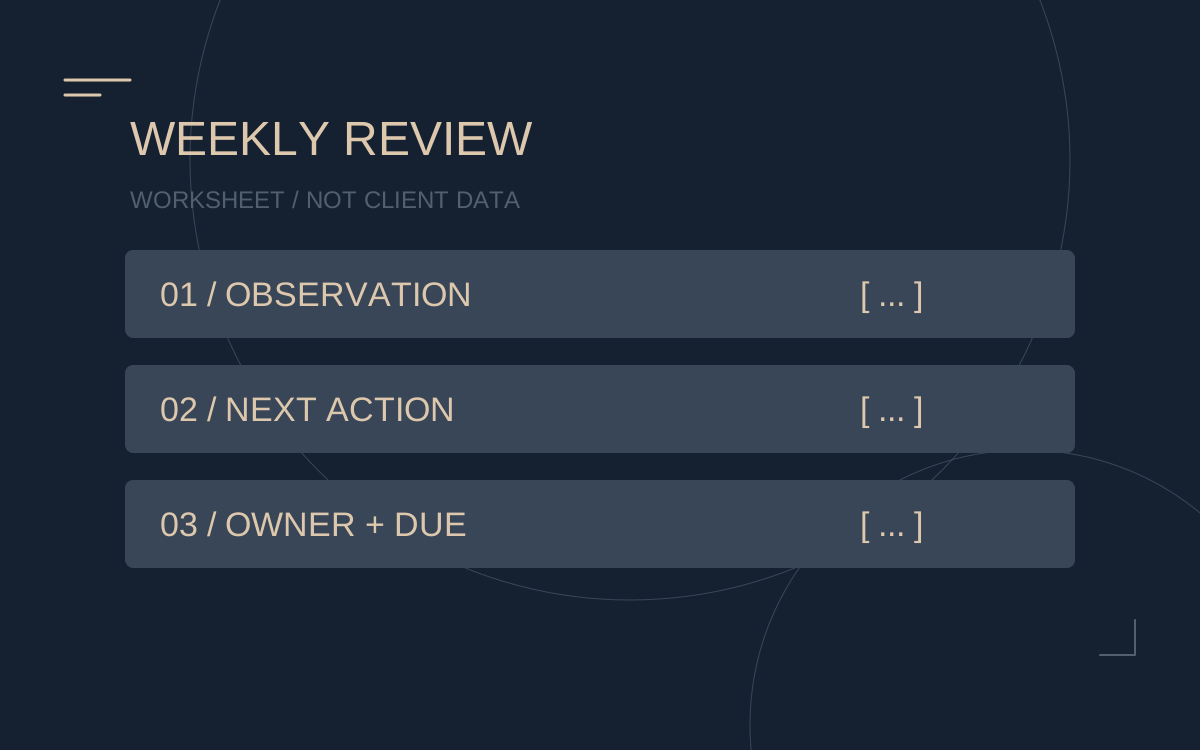
A weekly report should help you understand what happened and what to examine next. This template provides a structure. It is an illustrative template, not a client report or a promise of an identical reporting format. Weekly reporting is part of Majestic’s offering; the specific scope is discussed for your account.
1. Establish the comparison
Record the dates, comparison period, currency and revenue basis. Note promotions, breaks, refunds and unusually large purchases. A launch or shortened period needs context when compared with an ordinary week.
2. Separate reach from business results
| Area | Possible observation | Question to ask |
|---|---|---|
| Visitor sources | Reach and available profile visits by channel | Which sources bring relevant visitors? |
| Subscribers | New subscriptions and available renewal data | Where is the pattern changing? |
| Earnings | Available categories such as subscriptions, messages and tips | Is a single event changing the picture? |
| Fees | Platform deduction and agreed management commission | What is the basis of the amount remaining? |
| Work | Completed tasks and your time contribution | What is finished and what needs a decision? |
Unavailable attribution remains a data gap. Do not replace it with seemingly precise visitor or revenue estimates.
3. Turn an observation into a task
HYPOTHETICAL EXAMPLE · NO CUSTOMER DATA
Observation: Profile visits are comparable, but fewer people subscribe. An introductory offer has also ended.
Question: Could the changed offer or visitor sources have contributed?
Next task: Compare the offer and available sources, agree a specific adjustment and set the next review date.
This example describes a possible investigation. It does not establish a cause or a customer result.
4. Record six points
- What was observed, and which periods were compared?
- What is known and what is still an assumption?
- What will be checked or changed next?
- Who owns the task, and which approval is needed?
- When will it be reviewed, using which data?
- Which limits on time, costs and content must be respected?
Bring the questions to your team
You can use this structure with your existing management. If development has stalled, try the account review guide. Use the fee calculator for the economics. The management overview explains Majestic’s confirmed service areas.
Your copyable weekly report
Blank template to copy and adapt. Not a client record; no entries are sent to us.
MAJESTIC STUDIOS — WEEKLY REPORT WORKSHEET
Blank working template, not a client report. Do not include fan or transaction details.
Period: [from–to] | Comparison: [equal number of days] | Currency: [ ]
1. Payments before the platform fee: [current] / [comparison]
2. Platform fee: [current] / [comparison]
3. Earnings after the platform fee: [current] / [comparison]
4. Management rate and amount: [ ] / [ ]
5. Retained before other costs and tax: [ ] / [ ]
6. New subscriptions / renewals: [ ] / [ ]
7. Profile visits / attributable sources: [ ] / [ ]
8. Planned / published content: [ ] / [ ]
9. Open tasks and response times: [ ]
Observation (data only): [ ]
Explanation (hypothesis to test): [ ]
Next test (one change): [ ]
Owner: [ ] | Due: [ ] | Success measure: [ ]
Next report decision: keep / change / stop
Worked example — hypothetical
Observation: Four of six planned posts went live; two edits remained unfinished. Hypothesis: Material arrived too late. Next task: gather material by Monday; the editing owner confirms the schedule on Tuesday. At the next report, check whether all six agreed posts went live. These are not client results.