Content & operations
OnlyFans profile review: 8 checks for active creators
Review your offer, presentation, security and workflow with eight checks for improving an existing OnlyFans profile.
Published Updated
A useful OnlyFans profile makes a clear offer and gives you a manageable way to deliver it. Creating an account is one part of that work. The other parts are deciding what subscribers can expect, protecting your access and setting up a process you can sustain.
This checklist covers a new profile and the foundations worth revisiting on an existing one. Majestic Studios primarily works with active creators. If you already have subscribers, use the review questions rather than starting again.
1. Check the current platform requirements
Use the registration and verification instructions shown by OnlyFans for your country and account. Requirements, available payment methods and screens can change. Complete verification through the platform itself; never send identity documents or passwords to somebody who contacts you claiming they can bypass it.
OnlyFans describes an adults-only service with creator age and identity verification in its public submission to Ofcom. That document provides context, not a substitute for the current instructions in your account.
2. Secure the account you will build a business around
Use a dedicated business email address and a unique password. Set up the security options the platform currently provides, keep recovery details current and store recovery information securely. Treat access permissions as an explicit decision when working with a team. Do not assume that a management agreement permits every method of account access.
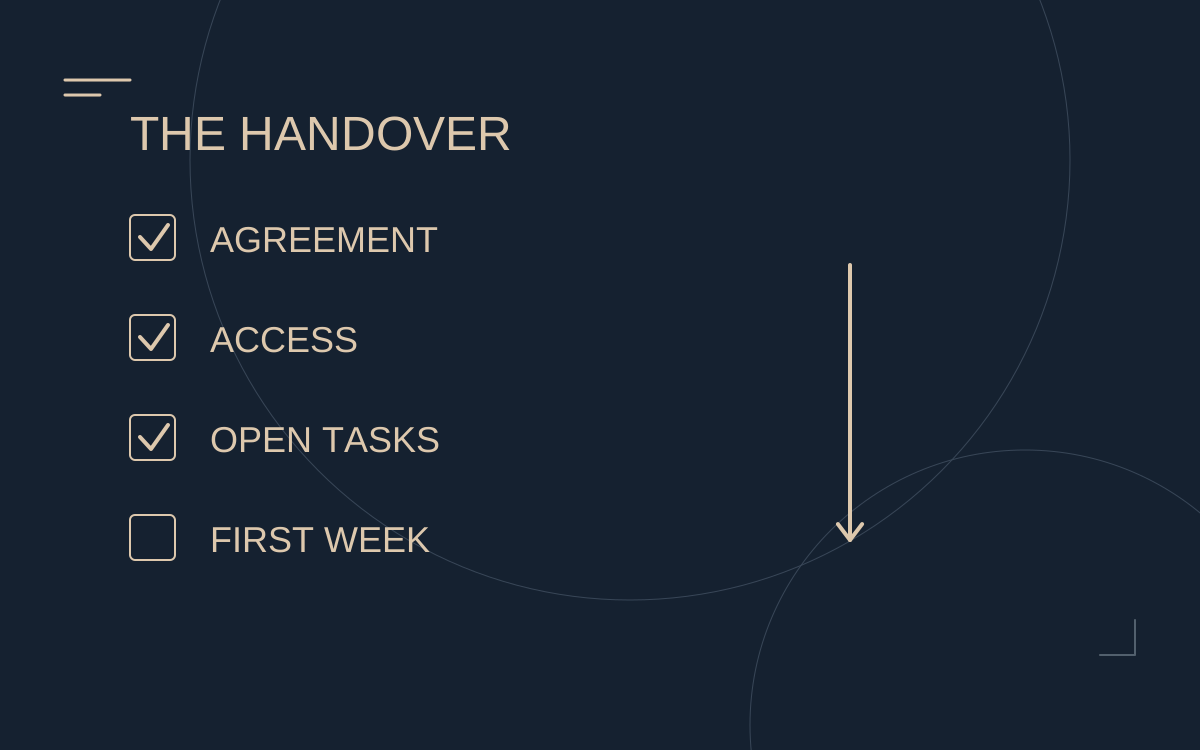
Existing-profile check: Do you know who can access the account, email, content storage and linked social profiles? Record the answer before adding new people or tools.
3. Define an offer you can actually deliver
Write one sentence describing what a subscriber receives. Include the broad content format and the boundaries of the offer. Avoid suggesting unlimited personal availability or individual requests unless you can deliver them and want to do so.
- What is included in the subscription?
- What, if anything, is sold separately?
- Which requests will you not accept?
- How will subscribers know when new content is available?
These answers guide your bio, content schedule and communication. They should be consistent across your public profile and paid offer.
4. Make the profile easy to understand
Choose a recognisable name, a clear profile image and a banner that fits your public identity. Read the bio on a phone. A new visitor should understand whose page it is and what makes the subscription relevant without decoding vague promises.
Working bio structure: your identity or distinctive theme; the content experience; a short explanation of what is included. Keep claims specific enough to check. A short accurate description is more useful than a list of superlatives.
5. Build a realistic content plan
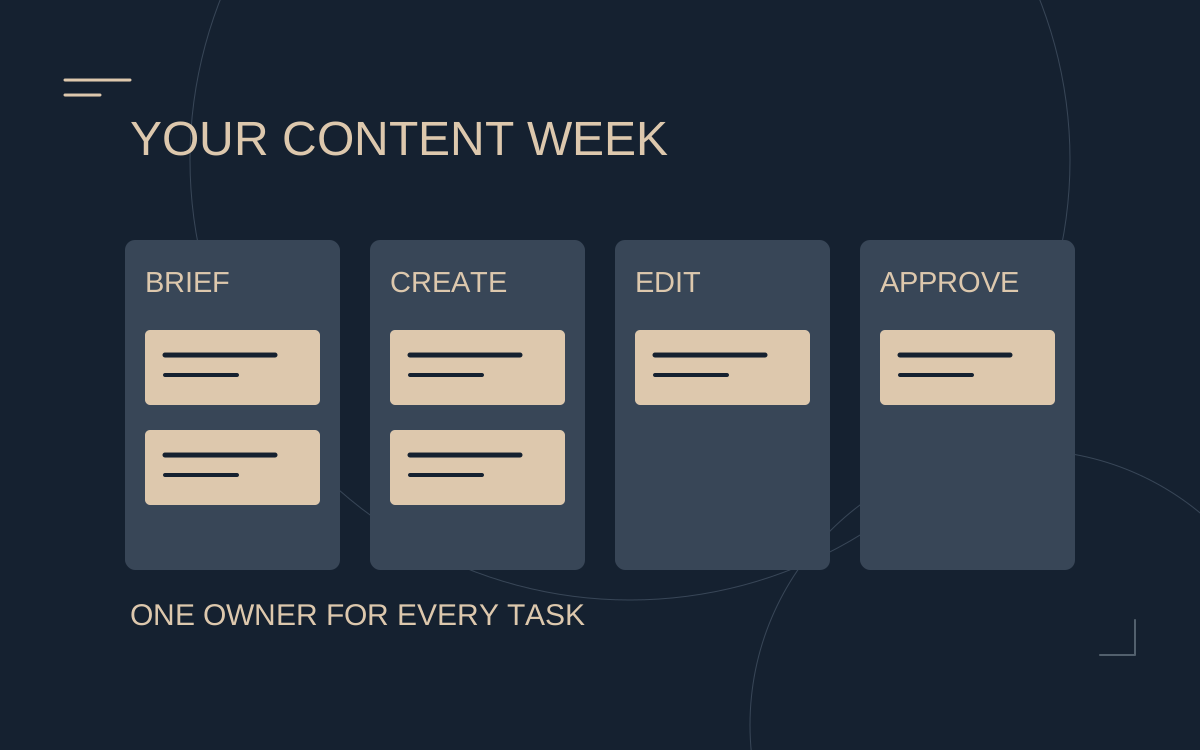
Plan the next two weeks before announcing a relaunch or increasing promotion. This is a planning exercise, not a prescribed posting frequency. Group content around formats you can repeat and note the production, editing and publication work each one needs.
- Format and purpose: what does this piece add for the subscriber?
- Production requirement: location, time and materials.
- Approval: what needs your final review?
- Publication: when and where will it appear?
- Backup: what can be published if production is delayed?
If several people contribute, the management responsibilities should be as clear as the calendar.
6. Review pricing alongside the workload
Record your subscription price, any introductory offers and what is charged separately. Then estimate the hours and costs required to deliver that offer. A low introductory price does not tell you whether the relationship will be sustainable after the first month.
Keep customer payments, platform deductions, refunds, agency fees and your remaining amount separate in your records. The income calculator can support scenario planning; its outputs are estimates, not evidence of what your profile will earn.
7. Check the route from social profile to subscription
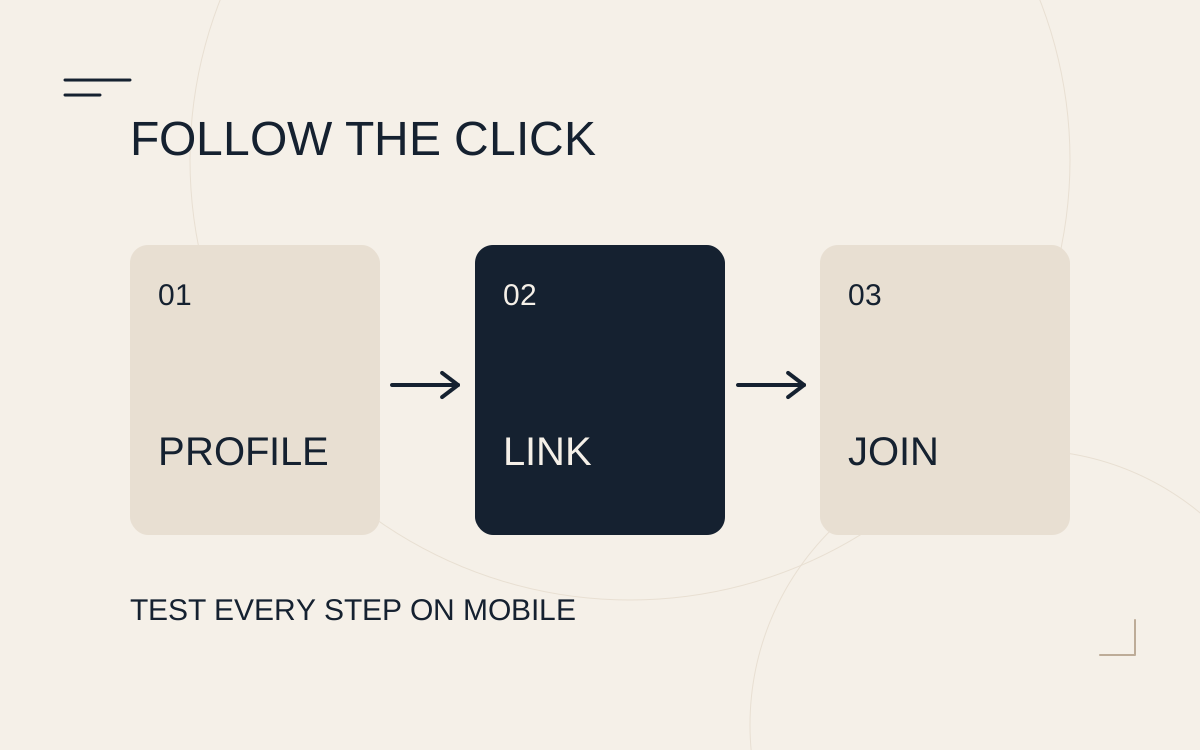
Use only promotion, content and links permitted by each platform. Test the allowed path on a phone: social profile, relevant link, destination and offer. Check for broken links, outdated prices and conflicting descriptions. Do not use misleading redirects or conceal a destination to evade a platform rule.
For an existing account, the next step is to measure where potential subscribers leave the journey.
8. Capture a baseline before making changes
Choose a review period and write down the figures your account actually provides: profile visits, new paying subscribers, renewals and revenue by category where available. Also record promotions, outages and content changes. Keep the date range and currency consistent.
Make one meaningful change at a time when possible. If the bio, price, posting frequency and traffic source all change together, you cannot confidently identify what caused a different result.
Already active? Review the setup, then the bottleneck
You do not need to rebuild a functioning profile just because growth has slowed. Use this checklist to fix unclear promises, access gaps or broken links, then examine the source of the plateau. If you want to discuss management, apply with your current profile and goals. Never include passwords or verification codes in an application.
A quick profile check
Open your profile as a first-time visitor. Can they explain what the subscription includes, what costs extra and where to start? Turn each unclear point into a specific copy edit. Then check the profile photo and banner at mobile size, the links and the first visible post.
Working note: Unclear point → replacement → checked on mobile → publication date. Do not promise a condition you cannot deliver.