Management & switching
Switching OnlyFans agencies: a handover that keeps your business moving
Review your current agreement, compare what you actually retain and prepare a clear account handover before changing OnlyFans management.
Published Updated
Your page is earning, but your management arrangement no longer fits. Perhaps reports arrive without explanations, your content queue depends on last-minute requests, or the work left with you keeps growing. Changing agencies can address a specific problem. It can also interrupt a working business if the transition has no owner.
Write down what needs to change
Start with the last four comparable weeks. For each concern, record an example, its effect and what a better process would look like. “Communication is poor” becomes “Three publishing decisions were left unanswered; I need a named contact and an agreed approval route.” That is something another team can explain how it would handle.
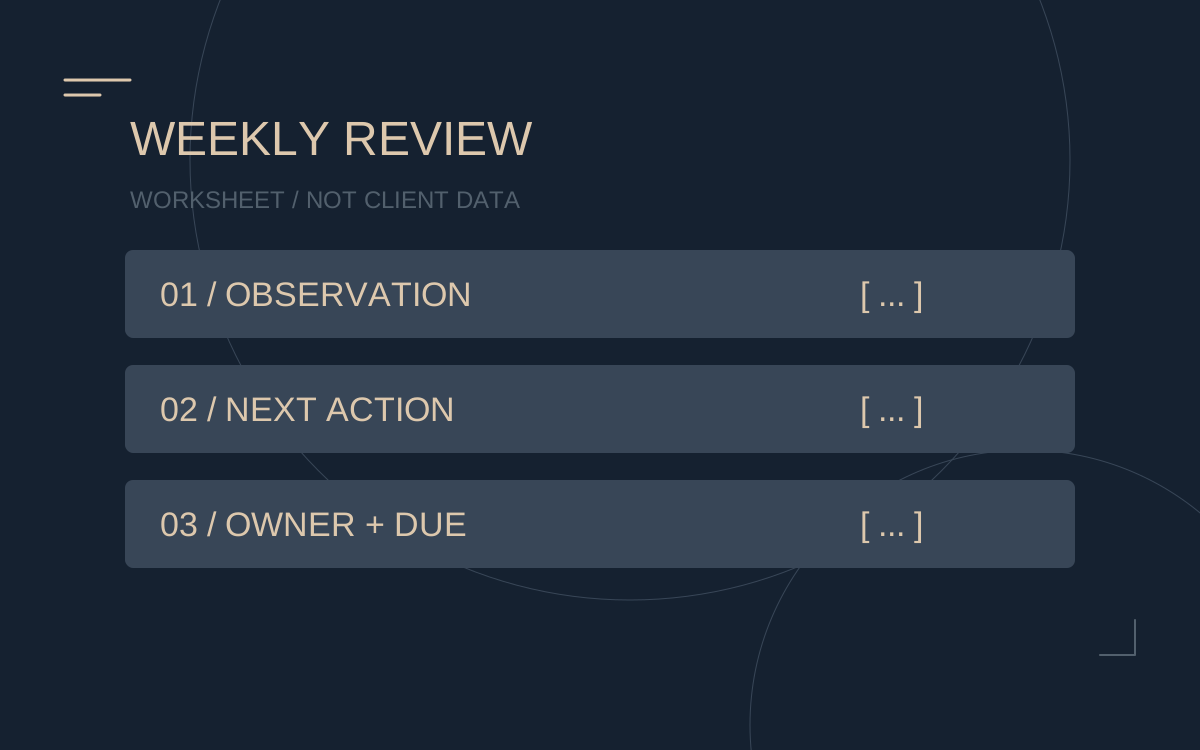
Separate the tasks an agency controls from factors it cannot promise to fix. A content backlog is an operational issue. A guaranteed increase in revenue is a claim that needs evidence, a period and a calculation basis. Use the weekly report template to organise your baseline.
Compare the amount you retain
Ask both teams to describe commission on the same revenue basis. Record platform fees, management fees, any additional charges and your own workload. A smaller percentage can cover fewer tasks; a larger service package can still be the wrong choice for your account.
ILLUSTRATIVE EXAMPLE
With €10,000 in fan payments and a 20% platform fee, the management calculation starts at €8,000. A hypothetical 30% management fee leaves €5,600; 40% leaves €4,800, before your other costs and taxes. The higher-fee option needs a justified benefit to make up that difference.
Change the assumptions in the commission calculator. These figures illustrate the arithmetic, not a forecast for either team.
Prepare the handover before changing access
Check your existing notice requirements and any outstanding obligations before setting a changeover date. If the agreement is unclear or disputed, have it reviewed by an appropriately qualified adviser. A new agency's sales conversation does not settle the old agreement.
| Area | What to document |
|---|---|
| Account control | Who controls the owner email, recovery methods and authorised access. |
| Content | Approved material, scheduled posts, storage locations and usage permissions. |
| Open work | Outstanding paid orders, promises already made and tasks awaiting approval. |
| Finances | The agreed cut-off period, settlement basis and records needed for reconciliation. |
| Responsibilities | Who handles publishing, messages and approvals during the transition. |
Share only information needed for the agreed tasks. Do not copy private fan conversations or personal data into a comparison document simply to make it look complete. Access changes should follow the platform's permitted arrangements and preserve your ability to control the account.
Agree what the first review will assess
Before work begins, choose a baseline and a first review date. Compare the same reporting periods and distinguish new traffic, renewals, paid-content revenue, fees and creator workload. A short period with unusual promotion or seasonal traffic should not become the sole verdict on the change.
The first deliverables can be concrete even when revenue is uncertain: a documented content plan, clear responsibilities, an agreed response workflow and a report that explains the next decision.
Discuss a switch with Majestic
Majestic supports established creators, including creators already represented by an agency. The confirmed commission is 25–50% after the platform fee, with no additional costs and weekly reporting. Your account and content remain yours. Scope and the precise rate are clarified before work starts.
Use our agency comparison worksheet for the conversation. When you enquire about management, share your public profile, current arrangement and the main issue you want to solve. No passwords or login codes are needed for that first discussion.
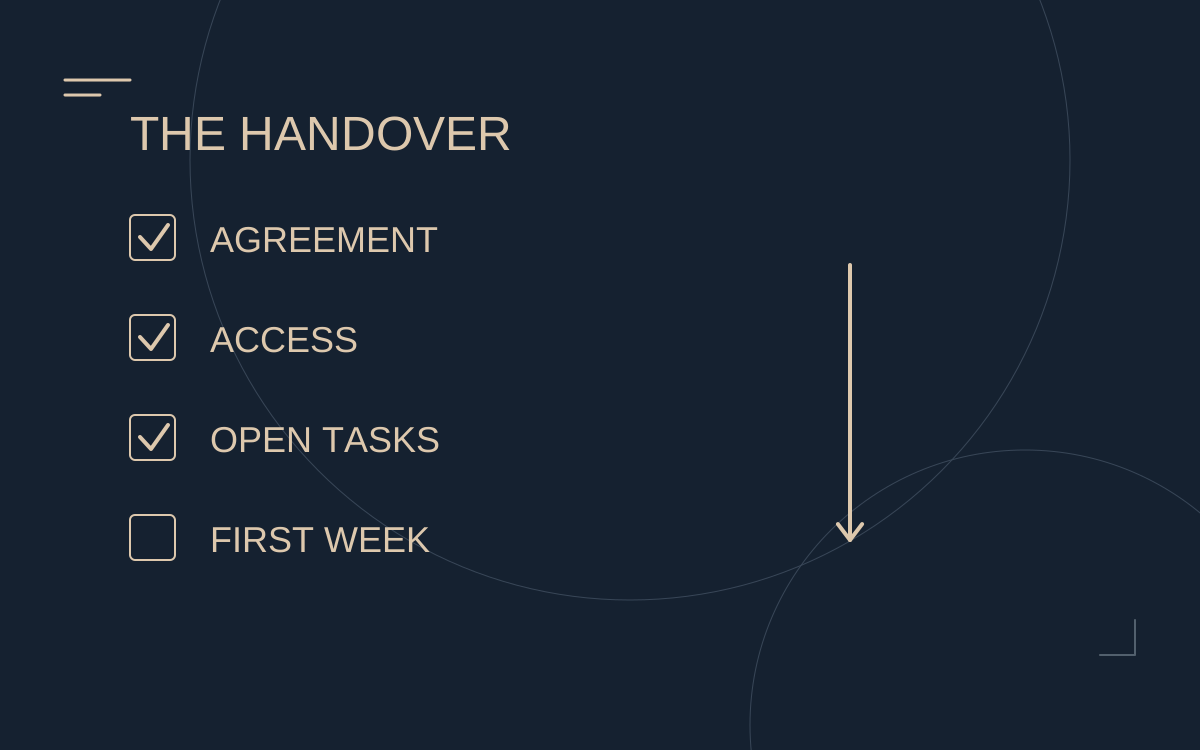
Your handover checklist
Blank template to copy and adapt. Not a client record; no entries are sent to us.
MAJESTIC STUDIOS — HANDOVER CHECKLIST
Working template, not legal advice. Review your actual agreement.
[ ] Confirm end date, notice and final accounting
[ ] Document account ownership, contact address and recovery routes
[ ] Inventory access roles (no passwords in this file)
[ ] Assign owners for open conversations and tasks
[ ] Organise the content calendar and approved files
[ ] Record existing offers, renewals and commitments
[ ] Save the latest comparable weekly report
[ ] Revoke old access after the agreed handover; verify new roles
[ ] Agree the first week's owner, reporting date and priorities
Item / Owner / Due / Confirmation: [ ]